
Your favourites.
Delivered.
With Qfoods.
For the big cravings. The little breaks.
And everything delicious in between.
Your next favourite meal is a few taps away.
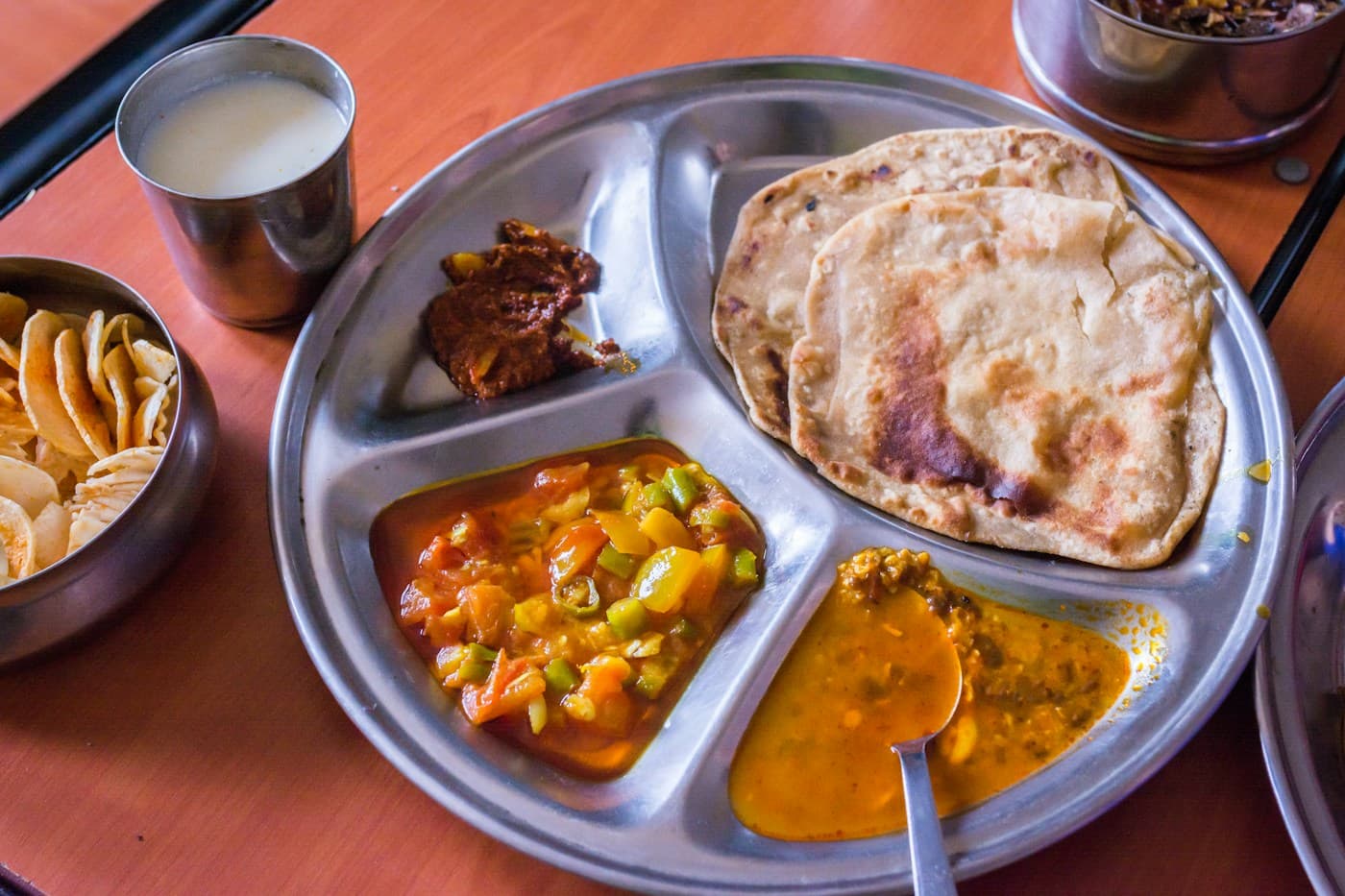 A craving worth following.
THE QFOODS WAY
Life’s busy.
Food should be easy.
Less searching. More discovering.
A thoughtful app for the everyday
moments that call for good food.

Find what you’re in the mood for.
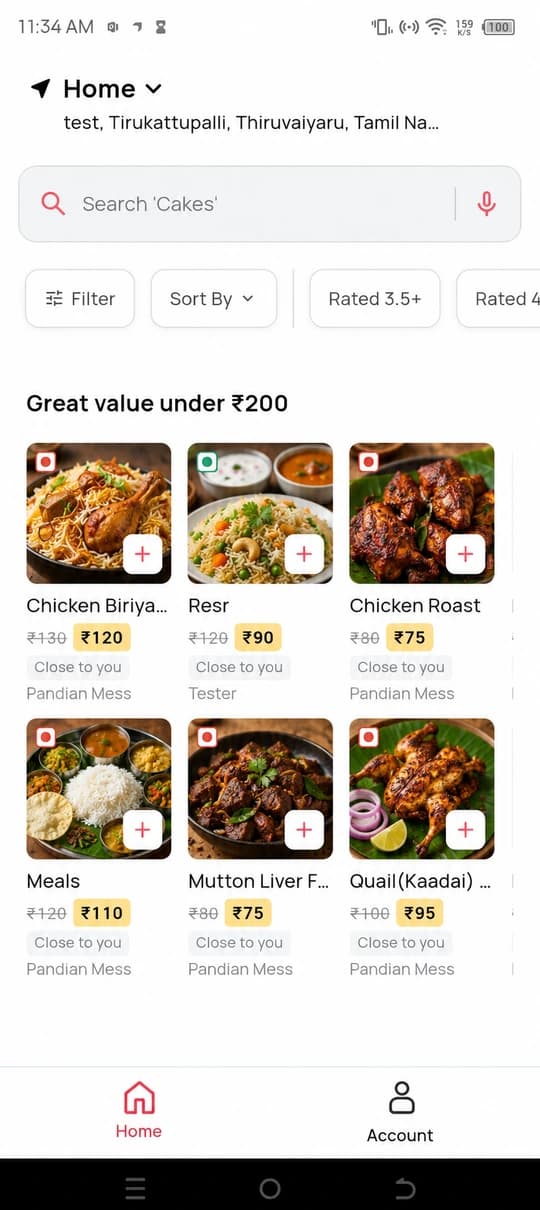
Search dishes and explore the food available around your delivery address.
Make it your kind of meal.
Use browsing filters and save dietary preferences from your account.
Keep your orders close.
Your order history and order details, together in one easy-to-find place.
FROM “I’M HUNGRY” TO “THAT HIT THE SPOT”
Small steps.
Delicious possibilities.
Set your spot.
Add your delivery address to see what’s available around you.
Follow your craving.
Explore the menu, pick your favourites, and put your meal together.
Make it a meal.
Review your order and follow the checkout steps in the app.
A CLOSER LOOK
Meet your new
food companion.
Thoughtful details. Familiar gestures.
Everything starts with a little curiosity.
Find your next favourite.
Explore dishes, search for a craving, and use filters to make browsing your own.
App previews based on development screenshots. The Home preview includes illustrative food imagery and refined navigation icons. Actual menus and availability may vary.
MORE THAN A MEAL
For the moments
that taste like you.
The lunch break you look forward to. A quiet night in. Something sweet just because.
Qfoods brings a little ease to choosing your next meal, with browsing, preferences, and order details designed to fit into your day.
 GOOD FOOD IS CALLING.
Make room for
your favourites.
Bring a little more delicious to your day.
Get Qfoods on your Android phone.
 Scan. Tap. Explore.Open with your phone camera
A LITTLE HELP
Good questions.
Simple answers.
Still curious? You’ll find support
in the app’s Help centre.
Tap “Get it on Google Play” on your Android phone, or scan the QR code with your phone’s camera to open the Qfoods listing. Installation is subject to availability on Google Play.
Set your delivery address in the app to explore the restaurants and dishes available for your location. Availability depends on your address and restaurant opening hours.
Yes. Open Dietary preferences in your account to select a vegetarian preference and flag allergens. Information depends on what restaurants have listed; a missing flag does not mean a dish is allergen-free.
Open your account and go to your orders to view your order history and individual order details.
Open Help in the Qfoods app to find the contact and support options available for your account.
Open Help in the Qfoods app to read the Privacy policy and Terms & conditions. Policy information is also available through the app’s Google Play listing when publicly available.